
[FREE] Missing Index: How to Find & Fix Performance Bottlenecks in PostgreSQL
Learn how to detect and fix PostgreSQL missing indexes. Improve slow query performance with safe index tuning, system views like pg_stat_user_tables, and CREATE INDEX CONCURRENTLY.

If your application is slowing down, the first suspect is usually the database. And 90% of the time, the culprit is a PostgreSQL missing index.
When a query runs without an index, the database engine is forced to perform a Sequential Scan reading every single row in the table to find the data. On a table with 100 rows, this is instant. On a table with 10 million rows, it’s a disaster.
Mastering PostgreSQL index tuning helps you identify these gaps and fix them safely, improving overall database performance tuning.
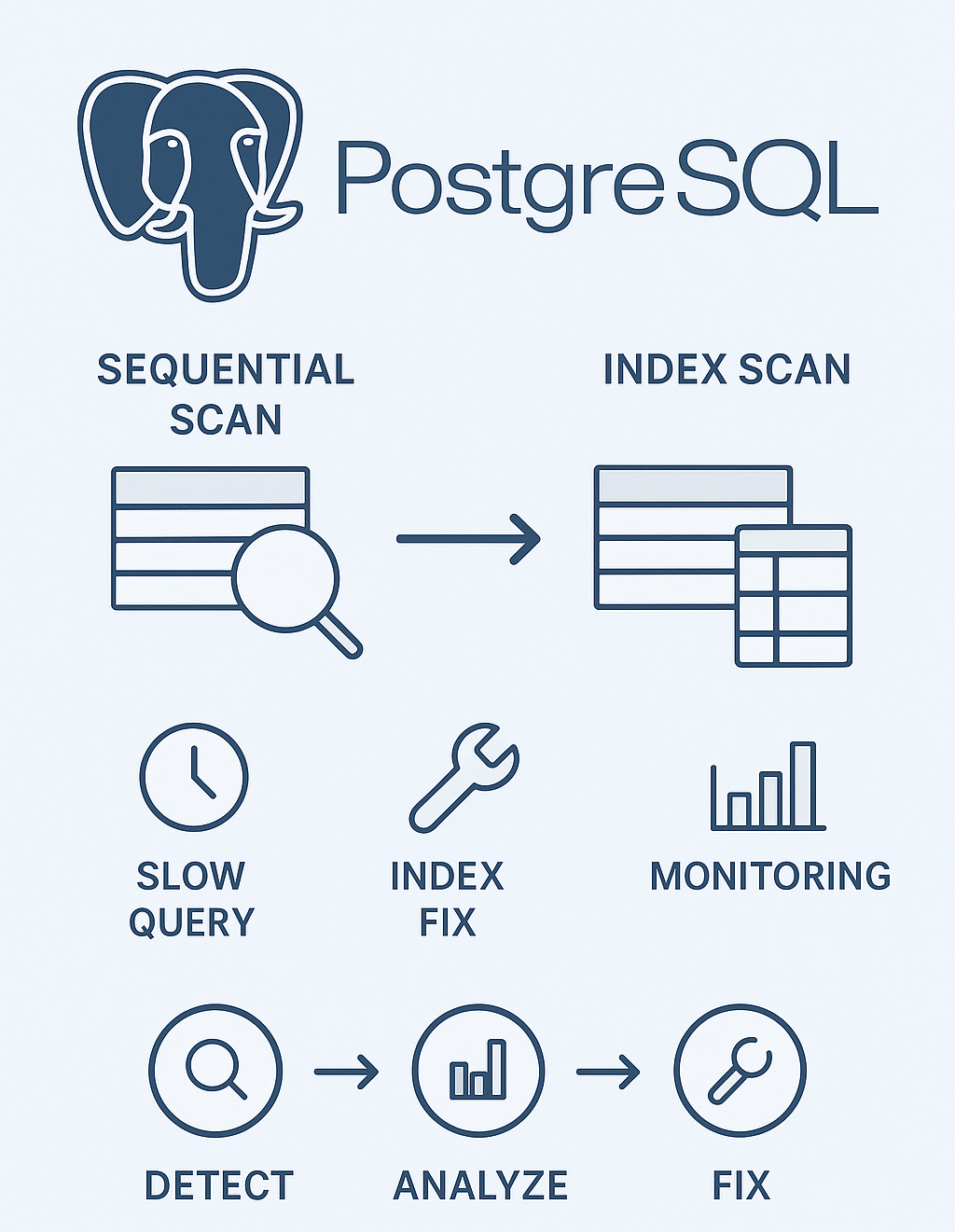
Why Missing Indexes Cause Slow Queries
Sequential Scans: Queries read every row instead of using an index.
Increased Resource Usage: Millions of rows processed in memory lead to high CPU and disk I/O.
Poor Query Performance: Frequent slow queries frustrate users and degrade system performance.
Proper PostgreSQL index tuning ensures that queries use indexes efficiently, preventing unnecessary sequential scans.
Step 1: Detect Missing Indexes
The most reliable way to find a missing index is by analyzing your tables. PostgreSQL provides system views and extensions to help:
1. Check Table Scan Statistics
Use pg_stat_user_tables to compare seq_scan vs idx_scan:
SELECT
    schemaname,
    relname,
    seq_scan,
    seq_tup_read,
    idx_scan,
    seq_tup_read / NULLIF(seq_scan, 0) AS avg_rows_per_scan
FROM pg_stat_user_tables
WHERE seq_scan > 1000
ORDER BY seq_tup_read DESC;
Key metrics to watch:
High seq_scan count: Table is being read fully, often.
High seq_tup_read: Millions of rows are being processed.
Low idx_scan: Existing indexes are unused or missing.
Tables with high sequential scans are prime candidates for missing index detection.
2. Identify Slow Queries
Knowing which table is slow is only step one. You also need to know which queries are causing problems.
Use pg_stat_statements to track query performance:
Sort by
total_exec_timeto find slow queries.Look for queries with simple WHERE clauses but long execution times.
These queries are ideal candidates for a PostgreSQL missing index.
This approach is part of effective PostgreSQL query plan analysis and slow query optimization.
Stop Guessing. Get the Full Picture Instantly.
Manually querying system views is great for learning, but in a production crisis, you need answers fast.
PostgreSQL Health Report automates this entire process. It scans your database to instantly identify:
Missing Indexes: Tables getting hammered by sequential scans.
Unused Indexes: Bloat that slows down writes but never speeds up reads.
Inefficient Indexes: Duplicate or overlapping indexes wasting space.
👉 Get the Complete Database Health Report Here Price 29$
If you are premium member of this newsletter you can get 5 premium Queries:
Step 2: Add Indexes Safely
Once you’ve identified the column that needs indexing (e.g., user_id in the orders table), resist the urge to run a standard CREATE INDEX.
-- Do not run this on a live production system
CREATE INDEX idx_orders_user_id ON orders(user_id);
Don’t do this. A standard CREATE INDEX command locks the table against writes. If your table is large, this could take hours, effectively taking your application offline.
Instead, use CREATE INDEX CONCURRENTLY:
-- Builds the index in the background
CREATE INDEX CONCURRENTLY idx_orders_user_id ON orders(user_id);
Benefits:
Allows reads and writes while the index is being created.
Safe for production workloads.
Essential for PostgreSQL index tuning without downtime.
Step 3: Continuous Monitoring
Even after adding indexes, continuous monitoring is crucial:
Re-check pg_stat_user_tables for high sequential scans.
Track slow queries with pg_stat_statements.
Analyze seq_scan vs idx_scan to confirm indexes are being used.
Run PostgreSQL query plan analysis to verify improvements.
Summary: PostgreSQL Missing Index Detection Workflow
Database performance tuning isn’t magic it’s a repeatable process:
Check pg_stat_user_tables for high sequential scans.
Use pg_stat_statements to find specific slow queries.
Compare seq_scan vs idx_scan to detect missing indexes.
Add the missing index using CREATE INDEX CONCURRENTLY.
Verify the fix with a PostgreSQL query plan analysis.
By following this workflow, you stop reacting to complaints and start proactively optimizing your system, achieving better database performance tuning and effective slow query optimization.
Key Takeaways
PostgreSQL missing index is often the main cause of slow query optimization issues.
pg_stat_user_tables and pg_stat_statements are your primary tools.
Use CREATE INDEX CONCURRENTLY to safely build indexes on live systems.
Continuous monitoring ensures long-term PostgreSQL index tuning success.
FAQs
Q1: How do I know if a table needs a missing index in PostgreSQL?
Check pg_stat_user_tables for high sequential scans (seq_scan) and low index scans (idx_scan). Combine this with pg_stat_statements to identify the slow queries hitting the table.
Q2: Can I create an index on a live table without downtime?
Yes! Use CREATE INDEX CONCURRENTLY to build the index in the background. It allows reads and writes while the index is created, making it safe for production.