
[Premium] PostgreSQL Error That Means It's Already Too Late: invalid page in block
Your queries aren't failing. Your database isn't throwing errors. But your data is already wrong.

Incident: Error That Came Without Warning
Unlike TXID wraparound, data corruption doesn’t give you a 40-million-transaction grace period. There’s no warning in the logs telling you to act. One moment your database is running fine. The next, a query fails with:
ERROR: invalid page in block 35217 of relation base/16421/3192429The on-call engineer sees it. Try the query again. Same error. Check the application logs users are reporting missing data, duplicate records, impossible totals.
The Sev-1 is opened.
But here’s what makes corruption different from other PostgreSQL emergencies: by the time you see this error, the damage was done days or weeks ago. You’ve been backing up corrupted data. Your replicas have corrupted data. Your PITR restore points may be useless.
And the terrifying part? Most corruption doesn’t produce this error at all. Queries just return wrong data. Silently. No error. No warning. Just wrong answers that your customers notice before you do.
Table of Contents
Incident: Error That Came Without Warning
Error You Must Never Ignore
What Is Data Corruption?
What Are Checksums and Why You Need Them
Signs You Might Already Have Corruption
Real Case: Yearly Corruption
What
zero_damaged_pagesActually DoesWhat
ignore_checksum_failureActually Does4 Diagnostic Queries
When You Find Corruption
Finding the Root Cause
Prevention Checklist
The 3 Things to Remember
Monitor Query
Summary
Error You Must Never Ignore
If you see this in your logs, stop everything. This is PostgreSQL telling you: a data page is corrupted.
The path base/16421/3192429 decodes to:
16421 = your database OID
3192429 = the corrupted table or index filenode
Find it immediately:
🚀 Get the PostgreSQL Health Report: The queries in this article are included in the PostgreSQL Health Report a single SQL function that runs 60+ diagnostic checks including TXID wraparound detection, autovacuum health, and ready-to-run fixes..
SELECT relname, relkind
FROM pg_class
WHERE relfilenode = 3192429; -- relkind: 'r' = table, 'i' = index, 't' = TOAST
But here's the terrifying part: most corruption doesn't produce this error. Queries just return wrong data. Silently.
Important: Ensure you are connected to the database corresponding to OID 16421 before running the SELECT.
What Is Data Corruption?
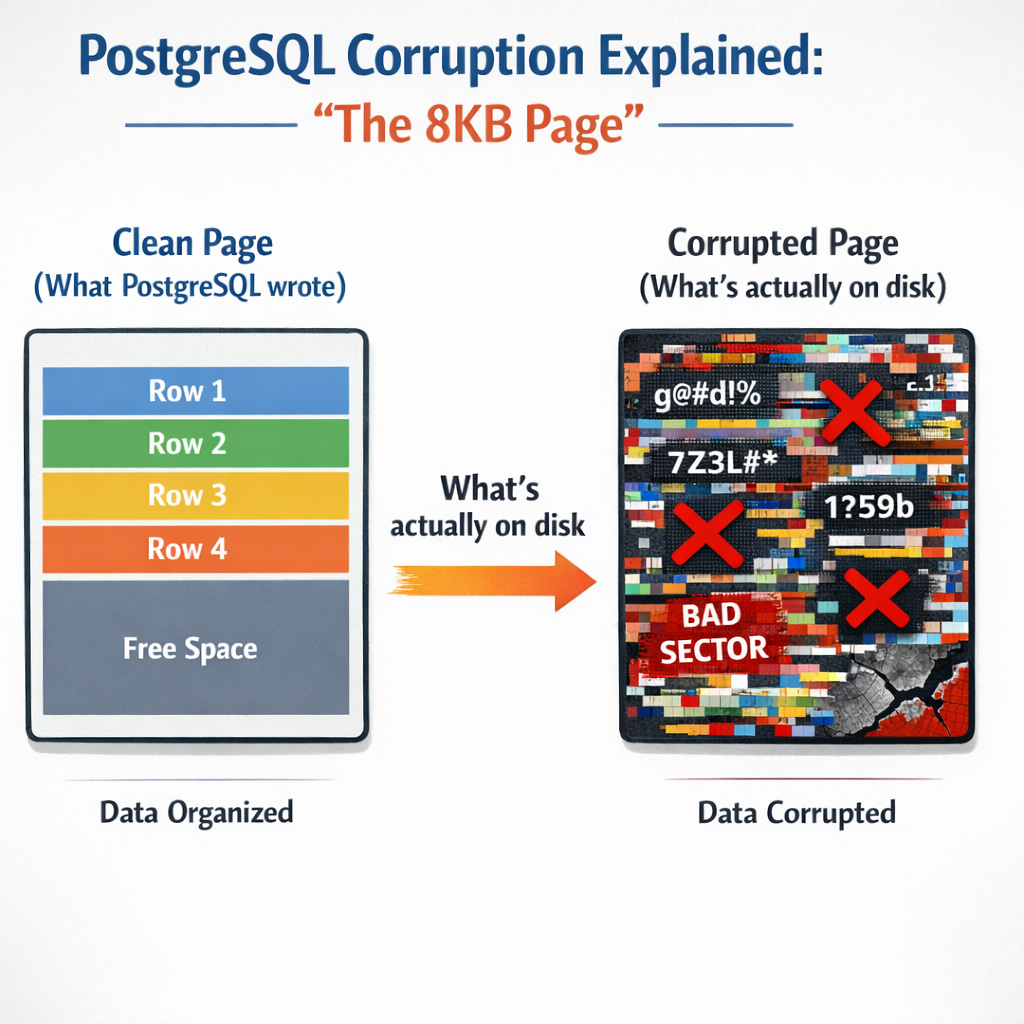
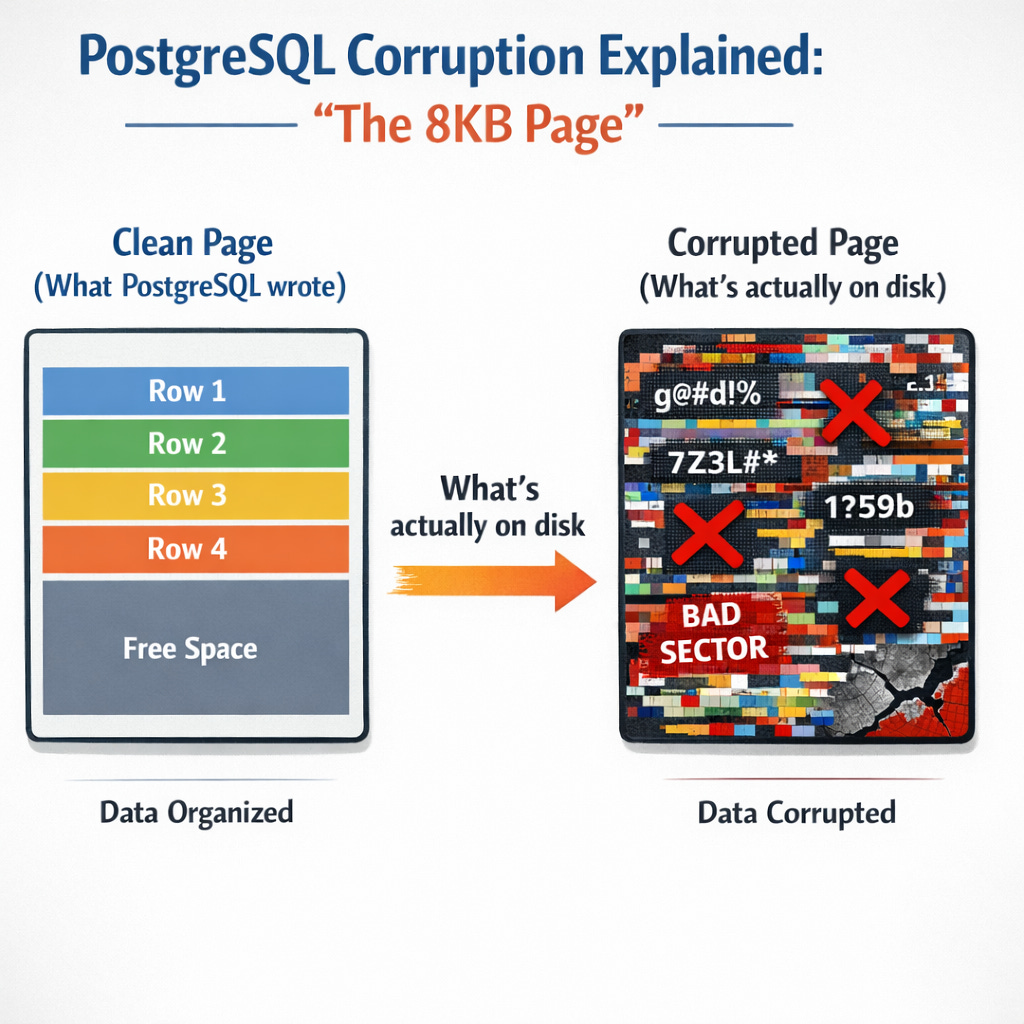
PostgreSQL stores everything in 8KB pages. When you INSERT a row, it writes to a page. When you SELECT, it reads from pages.
Corruption happens when those pages get damaged:
A disk sector fails
RAM flips a bit before writing
Storage claims write complete but lies
Network drops bytes during replication
PostgreSQL trusts that what it wrote stays written. When that trust breaks, you get corruption
What Are Checksums and Why You Need Them
A checksum is a mathematical fingerprint of each data page. PostgreSQL calculates it when writing and verifies it when reading.
With checksums ON: PostgreSQL catches corruption immediately.
WARNING: page verification failed, calculated checksum 12345 but expected 67890With checksums OFF: PostgreSQL reads the corrupted page and returns wrong data. No error. No warning. Just wrong answers.
Check your status now:
SHOW data_checksums;If it returns off, you're flying blind. Enable them (requires downtime on PostgreSQL 12+):
pg_checksums --enable -D /var/lib/postgresql/data Signs You Might Already Have Corruption
These symptoms get dismissed as application bugs. They're not.
